
Don't forget to return to your survey
and get your discount!
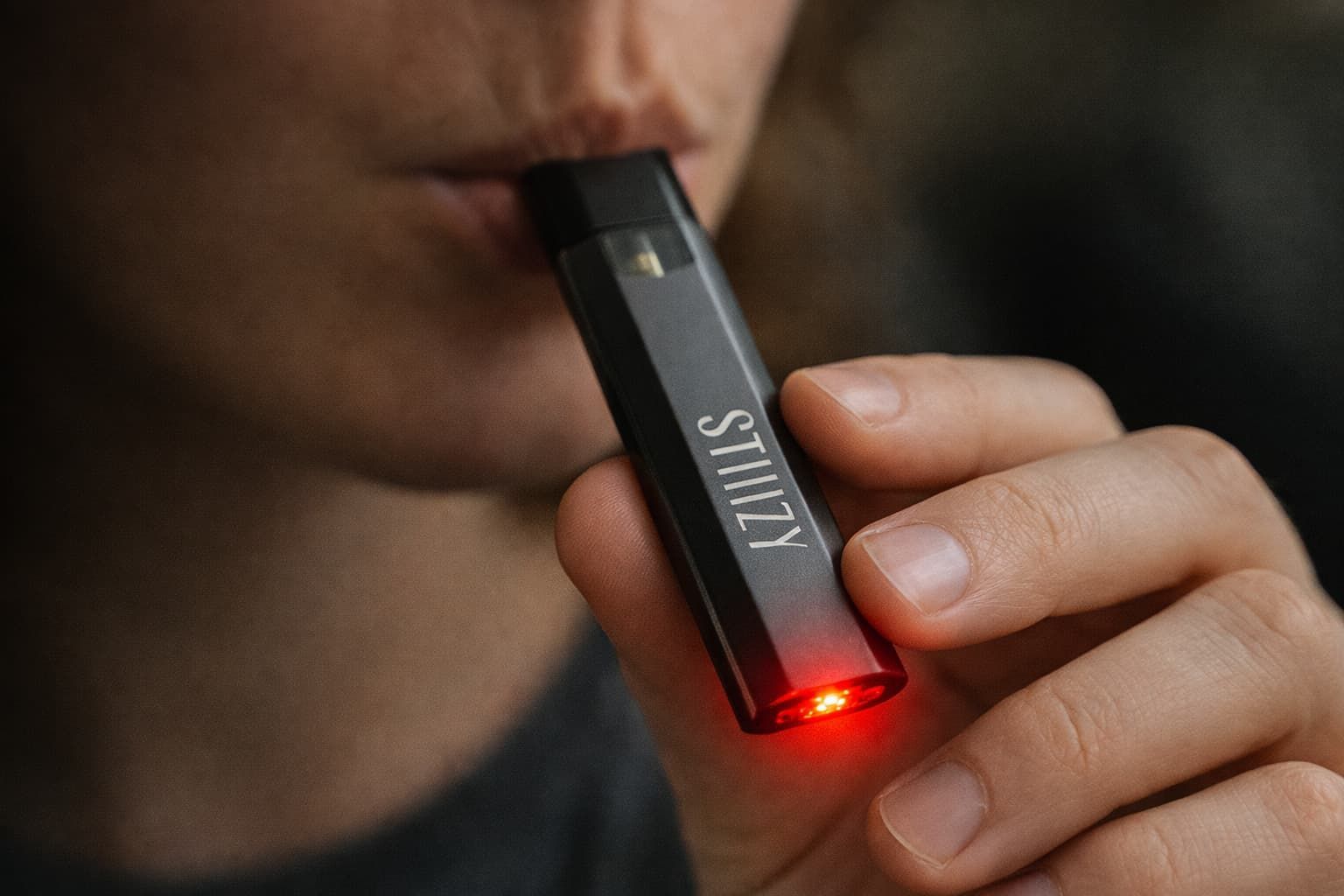
Few things are more frustrating than pulling on your Stiiizy and seeing a red light instead of getting a smooth hit. You’re charging it, the pod looks fine, and yet the device flashes red (or stays red) when you inhale. Naturally, that raises questions: Is it dead? Is it broken? Did I get a bad pod?
The good news is that a red light on a Stiiizy battery is usually the device’s way of signaling a specific problem and in many cases, it’s fixable in a few minutes. This guide explains what the red light typically means, the most common causes, how to troubleshoot safely, and when it’s time to replace your battery or pod.
What the Red Light on a Stiiizy Usually Means
Stiiizy batteries use LED indicators to communicate what’s happening during use. When everything is working normally, the battery lights up (often white) as you inhale, showing the device is activating.
When the light turns red, it generally means the battery is either:
- Low on power (can’t deliver enough voltage to heat the pod properly)
- Detecting a connection issue between the pod and the battery
- Hitting a built-in use limit (like a long-draw cutoff)
Stiiizy’s own battery guide explains its LED system for normal operation (white light activation, blinking patterns for insertion/long draw behavior).
One reason battery issues pop up more often over time is normal lithium-ion wear. Many lithium-ion cells deliver roughly 300–500 full charge cycles before cycle life degradation becomes noticeable.
READ: How Much Is A Stiiizy Pod
Common Reasons Your Stiiizy Turns Red When You Hit It
1) The battery is low or can’t hold a charge
The simplest explanation is still the most common: your battery needs more charge, or it’s aging and no longer holding power the way it used to.
Clues this is the issue:
- Weak or no vapor
- Red light appears immediately when you hit it
- It works right off the charger but dies quickly afterward
Fix: Fully charge the battery using a reliable power source and the correct charging method for your model. If the battery is older, repeated red-light issues may signal it’s nearing replacement time.
2) The pod isn’t making a clean connection
Stiiizy pods rely on metal contact points to transfer power from the battery to the pod. A tiny amount of oil residue, dust, or pocket lint can interfere with that connection, causing the battery to flash red instead of heating.
Common causes:
- Sticky oil residue on the bottom of the pod
- Debris inside the battery chamber
- Pod not seated firmly (slightly misaligned)
Fix: Clean the contacts and reseat the pod (steps below).
3) The pod is clogged, flooded, or defective
Sometimes the battery is fine and the pod is the problem. Thick oil can clog airflow, or a pod can flood internally (especially if it’s stored sideways or exposed to heat). Manufacturing defects can also happen, even with reputable brands.
Signs the pod is the issue:
- The red light happens only with one specific pod
- A different pod works fine in the same battery
- You notice tight airflow, gurgling, or burnt taste
Fix: Try a different pod if you have one. If the problem follows the pod, replacing that pod is usually the cleanest solution.
4) You triggered a long-draw or usage cutoff
Many draw-activated devices have limits to prevent overheating or overuse. Stiiizy notes that a blinking pattern can indicate the end of a long draw/maximum usage.
Clues this is the issue:
- It happens after repeated long pulls or chain hits
- The device works again after you set it down for a bit
Fix: Let the battery cool for 10–15 minutes and take shorter pulls.
How to Fix a Stiiizy That’s Red When You Hit It
Work through these steps in order. Most issues get resolved by step 2 or 3.
Step 1: Charge the battery fully
- Plug into a reliable power source.
- Avoid damaged cables or sketchy adapters.
- After charging, unplug and wait a minute before testing again.
If it still turns red immediately, continue.
Step 2: Clean the contact points (pod + battery)
This is the most overlooked fix and one of the most effective.
- Remove the pod.
- Use a dry cotton swab to gently wipe the metal contacts on the bottom of the pod.
- Use another dry swab to clean inside the battery where the pod sits.
- Reinsert the pod firmly.
Avoid adding liquids into the battery chamber. If you choose to use a tiny amount of isopropyl alcohol, keep it on the swab only, use very little, and let everything fully dry before reinserting.
Step 3: Reseat the pod correctly
- Insert the pod straight down (no twisting).
- Make sure it sits flush and snug.
Sometimes a slightly crooked insertion is enough to cause a red light.
Step 4: Let it cool down
If you’ve been taking repeated hits:
- Set the device aside for 10–15 minutes
- Try again with shorter pulls
Step 5: Test with another pod (if possible)
This is the fastest way to isolate the issue.
- If another pod works, your original pod is likely defective or clogged.
- If no pod works, it’s more likely a battery issue.
When the Red Light Means It’s Time to Replace Your Battery
If you’ve charged it fully, cleaned the contacts, tried multiple pods, and it still flashes red, replacement is usually the smartest move.
Replace your Stiiizy battery if:
- It won’t hold a charge for long
- The red light persists across different pods
- The battery chamber has visible corrosion or damage
- You’re repeatedly troubleshooting the same failure
If you’re deciding between battery styles, it helps to know that Stiiizy models vary in battery size. For example, the STIIIZY Pro XL is listed with a 550 mAh battery capacity, which is designed for longer use between charges.
How to Prevent Red Light Issues in the Future
A few habits can reduce red-light problems and extend your device life:
- Keep contacts clean (quick dry swab wipe occasionally)
- Store pods upright when possible
- Avoid leaving the device in hot cars or direct sun
- Don’t chain hit, shorter pulls reduce heat and stress
- Charge with proper equipment and avoid rough handling
Conclusion
Seeing a red light when you hit your Stiiizy can be frustrating, but it’s usually a sign of a manageable issue rather than a serious malfunction. In most cases, the red light points to low battery power, a poor pod connection, a failing pod, or a temporary safety cutoff from overuse.
Starting with a full charge and a quick cleaning of the contact points can often resolve the problem right away. If the red light continues across multiple pods, it’s likely time to replace the battery to ensure consistent performance and a smoother experience moving forward.
Frequently Asked Questions
Why does my Stiiizy blink red and white when I inhale?
Blinking red and white usually indicates a connection issue between the pod and the battery or that the device has reached a long-draw cutoff. This happens when the pod isn’t seated properly or the airflow sensor is struggling to activate. Removing and reinserting the pod often fixes it.
What does blinking red light on a Stiiizy indicate?
A blinking red light typically means the battery cannot deliver enough power to fire the pod. This is most often caused by a low battery, dirty contacts, or a failing battery. Charging and cleaning the contacts should be your first steps.
Does a red light mean the battery is low?
Yes, in most cases a red light means the battery is low or nearing depletion. Even if the device turns on, it may not have enough voltage to heat the pod properly. Fully charging the battery usually resolves this.
What does a red light on a Stiiizy charger mean?
A red light on the charger means the battery is actively charging. Once charging is complete, the light typically turns white or shuts off, depending on the charger model. This is normal behavior.
Should I contact support if my Stiiizy red light persists?
If the red light continues after charging, cleaning, and testing multiple pods, support or replacement is the next step. Persistent red lights usually indicate a worn-out battery rather than a user error. Most sealed batteries are not repairable.
Why is my Stiiizy red light coming on during charging?
The red light during charging simply means power is being supplied to the battery. If the light never changes after extended charging, the battery may no longer hold a charge. That’s a common sign it’s time for a replacement.
Don't forget to return to your survey
and get your discount!
SHARE